![FUSE-workforce-management-logo.png]](https://www.fuseworkforce.com/hs-fs/hubfs/fuse-website/FUSE-workforce-management-logo.png?height=40&name=FUSE-workforce-management-logo.png)
To download the export file to upload to the State New Hire Agency
- Navigate to Settings>System Data Export>Data Exports
- Locate the State export (i.e, New Hire Reporting: Texas) and click the Run Data Export icon (blue download arrow)
- In the pop-up window, use the following
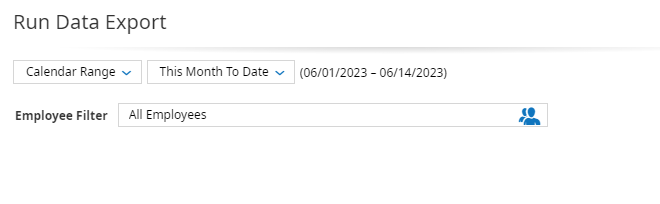
- Click Export on the bottom right of the pop-up window.
- The file will download. Please save the file to your desired folder.
- Log into the State's website and follow their upload instructions.
