![FUSE-workforce-management-logo.png]](https://www.fuseworkforce.com/hs-fs/hubfs/fuse-website/FUSE-workforce-management-logo.png?height=40&name=FUSE-workforce-management-logo.png)
Before Approval
-
Compensation Cycles must be submitted before they can be approved, modified, or rejected. View our Knowledgebase Article on Submitting a Compensation Worksheet
-
You will only be able to approve Compensation Worksheets that are pending your approval. You may need to review the current Workflow Status to ensure that the worksheet is assigned to you for approval
- Mass Approvals of Compensation Worksheets can also be completed on the Proposals report, but Mass Modifications/Rejections can only be completed by following these directions. View our Knowledgebase Article on Reviewing Compensation Proposals
How to Approve/Modify/Reject
-
Navigate to Team > Compensation > Proposals to Approve
-png.png?width=1484&height=369&name=260225%20M%20FuseDemo1%20Compensation%20Proposals%20to%20Approve%20(Article%203%2c%20Step%201)-png.png)
- If this report is blank, there are currently no proposals waiting your approval
- View this knowledgebase article for further troubleshooting tips
- Click on the pencil icon next to the Compensation Cycle you wish to review
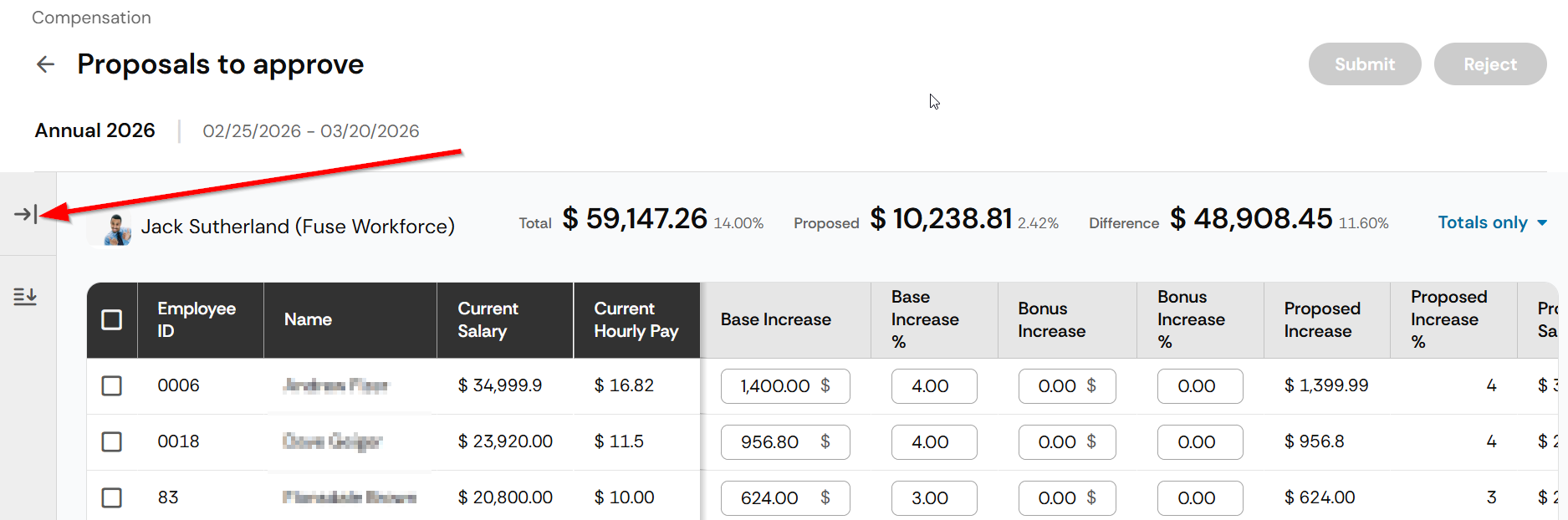
- This report can only be viewed by the compensation manager. Click the arrow on the left side of the screen to view other Compensation Manager worksheets for other groups of employees.
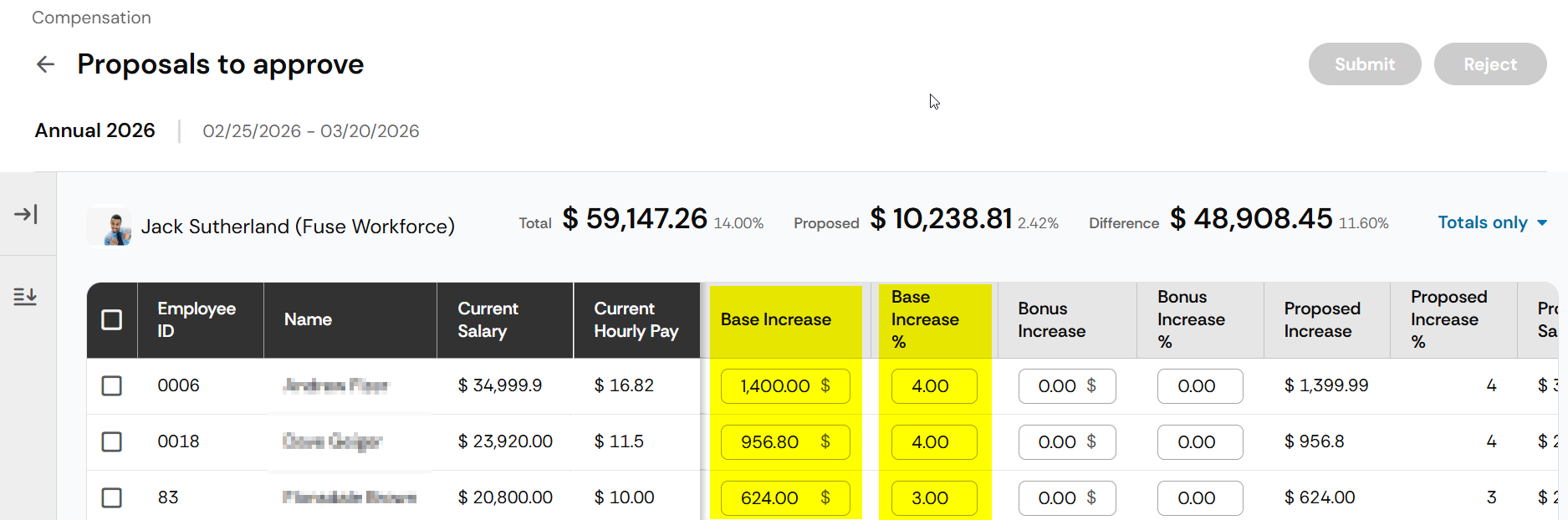
- Modifications can be completed for every amount or percentage in the open edit boxes of these reports
- Approvals are done by checking off the appropriate rows and clicking the Submit button on the top right of the screen
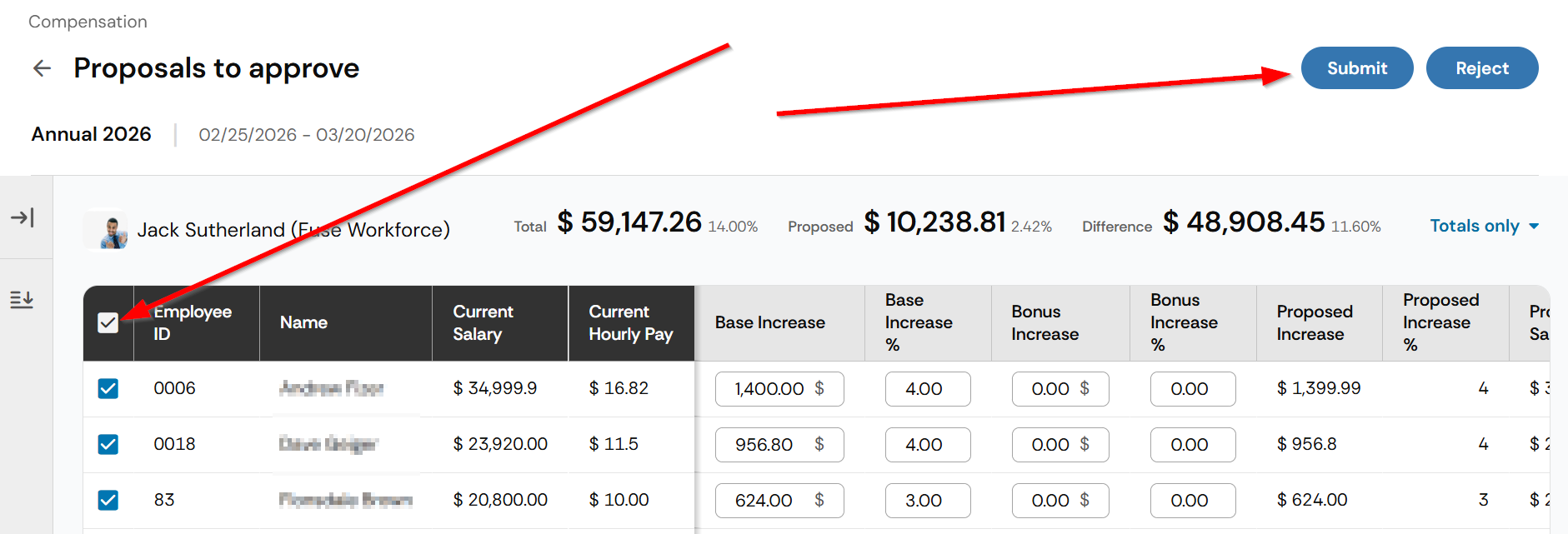
- You can reject specific employees to send back to a previous approver by checking off the boxes and clicking the Reject button on the top right
- Modifications can be completed for every amount or percentage in the open edit boxes of these reports
